7 Top Programmatic Advertising Companies To Drive App Growth
7 Top Programmatic Advertising Companies To Drive App Growth
Why These 7 Programmatic Advertising Companies Will Power Your App Growth
Finding the right programmatic advertising companies can make or break your app’s performance. This listicle cuts through clutter to showcase seven top DSPs that deliver robust inventory access, razor-sharp targeting and transparent pricing—all proven to scale UK-based Flutter apps. Each option includes screenshots, direct links and real-world examples.
Many app developers struggle with wasted ad spend, fragmented inventory and poor attribution data. Our roundup solves these issues by spotlighting platforms that unify cross-channel buying, automate optimisation and surface clear ROI metrics. Whether you need to boost user acquisition, drive in-app purchases or raise brand awareness, you’ll find a platform tailored to your growth goals.
As a Flutter App Developer in the UK, we know that performance matters. New industry benchmarks rank Flutter as the fastest and most efficient cross-platform framework, so seamless DSP integration is critical. We assessed each provider on four pillars:
- Inventory access: premium exchanges and private marketplaces
- Targeting precision: behavioural, contextual and look-alike segments
- Pricing models: CPM, CPC, hybrid and programmatic guaranteed
- Flutter integration: SDK support, sample code and best-practice tips
Here’s what you’ll learn:
- Quick platform profiles with screenshots and direct links
- Core strengths, ideal use-cases and example campaigns
- Integration checklists to embed ads smoothly in your Flutter code
- Pricing breakdowns and negotiation pointers
- A concise evaluation matrix to compare features side by side
- Next steps to launch and optimise your first programmatic campaign
Skip the guesswork—dive straight into seven carefully vetted programmatic advertising companies and make every pound count. Your app growth strategy starts here.
1. Google Display & Video 360 (DV360)
Google Display & Video 360 (DV360) is Google’s enterprise-grade Demand-Side Platform for planning, buying and measuring programmatic advertising across display, video, YouTube, CTV, audio and DOOH. Its end-to-end workflow and deep integration with Google Marketing Platform and Analytics 360 make it ideal for data-driven teams and large portfolios.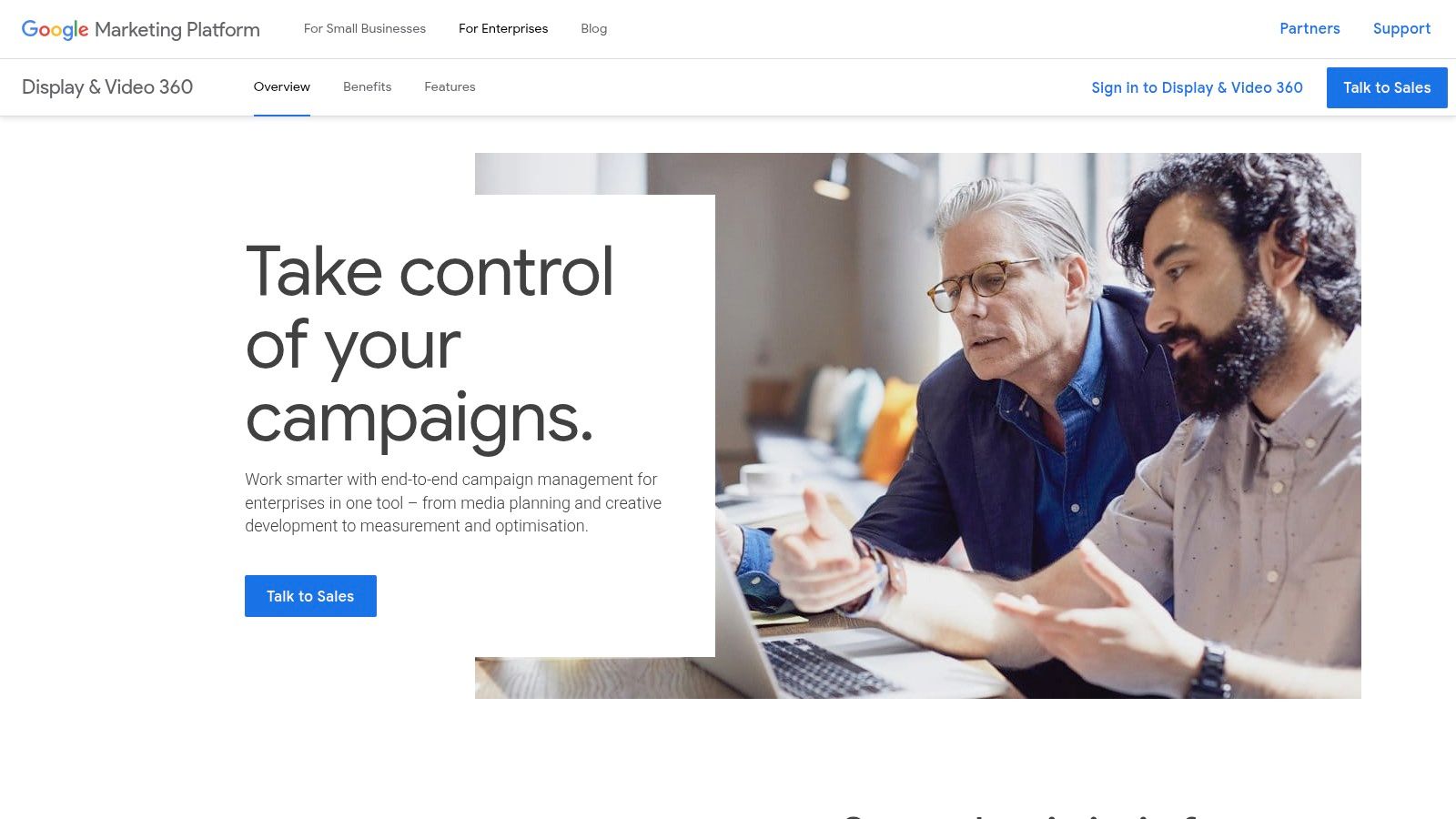
What You Can Do with DV360
- Unified Campaign Management
Plan, execute and optimise campaigns in one interface with shared asset libraries and team collaboration. - Cross-Channel Buying
Access Google’s full display exchange, YouTube reservation and partner exchanges alongside programmatic guaranteed deals. - Advanced Audience Targeting
Leverage first-party and Google Audiences, custom affinity segments or real-time bidding data to reach high-value users.
Feature Comparison Table
| Feature | DV360 Value |
|---|---|
| Reservation & Programmatic Guaranteed | Lock in premium YouTube and CTV inventory |
| Automated Bidding | Smart bidding algorithms adjust to performance goals |
| Native Integrations | Seamless link to Analytics 360, Campaign Manager, BigQuery |
| Reporting & Attribution | Custom dashboards, cross-channel attribution models |
DV360’s deep integration with Analytics 360 lets you build data-driven strategies at scale.
Pros and Cons
Pros
- Mature ecosystem with vast global inventory
- Direct YouTube access for richer creative and measurement
- Powerful automation and reporting suited to complex portfolios
Cons
- Enterprise-oriented onboarding process
- No public pricing; sales contact required
- Not ideal for small teams seeking self-serve simplicity
Access Requirements & Pricing
Access to DV360 requires a Google Marketing Platform account and minimum spend commitments set by Google. Pricing is customised based on volume and channels – you must contact sales for a proposal. Availability is global, with local customer-support teams in the UK to guide integration, training and troubleshooting.
Practical Tips for App Developers
DV360 excels at mobile user acquisition and app-growth campaigns. As leading Flutter app developers in the UK, we recommend:
- Integrate Google Mobile Ads SDK
Sync your Flutter app’s user events with Google Analytics 360 to feed DV360 audiences. - Use Custom Floodlight Tags
Track in-app conversions and post-install events without compromising performance. - Leverage API Automation
Automate budget adjustments and creative rotations via DV360’s API to scale campaigns across multiple apps.
Learn more about Google Display & Video 360 (DV360) strategies on app-developer.uk
Direct link: https://marketingplatform.google.com/intl/en_uk/about/display-video-360/?utm_source=openai
2. The Trade Desk
The Trade Desk is an independent, omnichannel Demand-Side Platform designed for brands and agencies seeking full control over programmatic advertising. It enables planning, bidding and measurement across connected TV (CTV), audio, digital-out-of-home (DOOH), display, mobile and native channels from one intuitive interface. Unlike walled-garden DSPs, it offers open-web inventory, transparent reporting and a broad partner ecosystem for third-party verification. UK-based account teams and dedicated training workshops ensure a smooth onboarding experience.
What You Can Do with The Trade Desk
- Omnichannel Campaign Management
Launch and optimise campaigns across CTV, audio, DOOH, display, mobile and native channels without switching platforms. - Advanced Identity Resolution
Use Unified ID 2.0 alongside custom data segments to accurately target and retarget app users. - Objective Measurement & Verification
Select from a marketplace of partners including Nielsen, IAS and MOAT for independent performance audits. - Transparent Bidding & Reporting
Analyse real-time bid logs and impression-level data to refine strategies and budgets with full visibility. - Audience Forecasting & Planning
Model reach, frequency and budget scenarios to secure the right inventory before launch.
Feature Comparison Table
| Feature | The Trade Desk Value |
|---|---|
| Inventory Access | Open-web reach across premium publishers, CTV platforms and DOOH |
| Identity & Audience Tools | Unified ID 2.0, first-party data onboarding, DMP connectors |
| Measurement Partners | Nielsen, IAS, MOAT, DoubleVerify |
| Reporting Customisation | Real-time dashboards, automated alerts and API data feeds |
The Trade Desk’s open-web independence and transparent tooling let you verify every impression and optimise in flight.
Pros and Cons
Pros
- Independent from walled gardens for maximum reach
- Strong partner ecosystem and third-party measurement integrations
- Intuitive interface with UK-based customer support
Cons
- Requires trading expertise; not as plug-and-play as self-serve DSPs
- No public rate card; sales engagement needed for access and pricing
Access Requirements & Pricing
Onboarding The Trade Desk involves a sales consultation and typically a minimum monthly spend commitment. Pricing is bespoke, based on channel mix, data integrations and campaign scale. UK clients benefit from local account managers, dedicated training workshops and 24/5 support. The intuitive platform interface and customisable dashboards reduce ramp-up time for data-driven teams.
Practical Tips for App Developers
As leading Flutter app developers in the UK, we suggest:
- Integrate The Trade Desk SDK
Push in-app events from your Flutter app directly to The Trade Desk for accurate attribution and ROI measurement. - Build Custom Audiences
Use first-party user data and unified IDs to create precise segments for re-engagement and lookalike modelling. - Automate Bidding via API
Sync performance metrics with your analytics stack and auto-adjust bids across multiple apps based on real-time KPIs. - Leverage Forecasting Tools
Pre-plan your budget and inventory mix using The Trade Desk’s forecasting interface to prevent overspend and underdelivery.
Learn more about digital marketing fundamentals for growth on app-developer.uk: Learn more about digital marketing fundamentals for growth on app-developer.uk
3. Amazon DSP (Amazon Ads)
Amazon DSP (Amazon Ads) provides programmatic access to Amazon audiences and inventory both on- and off-Amazon. Retail and CPG advertisers can tap into Amazon’s first-party shopper data to deliver personalised display, video and audio campaigns. With self-service and managed-service options, UK brands can choose the level of support that suits their scale and expertise.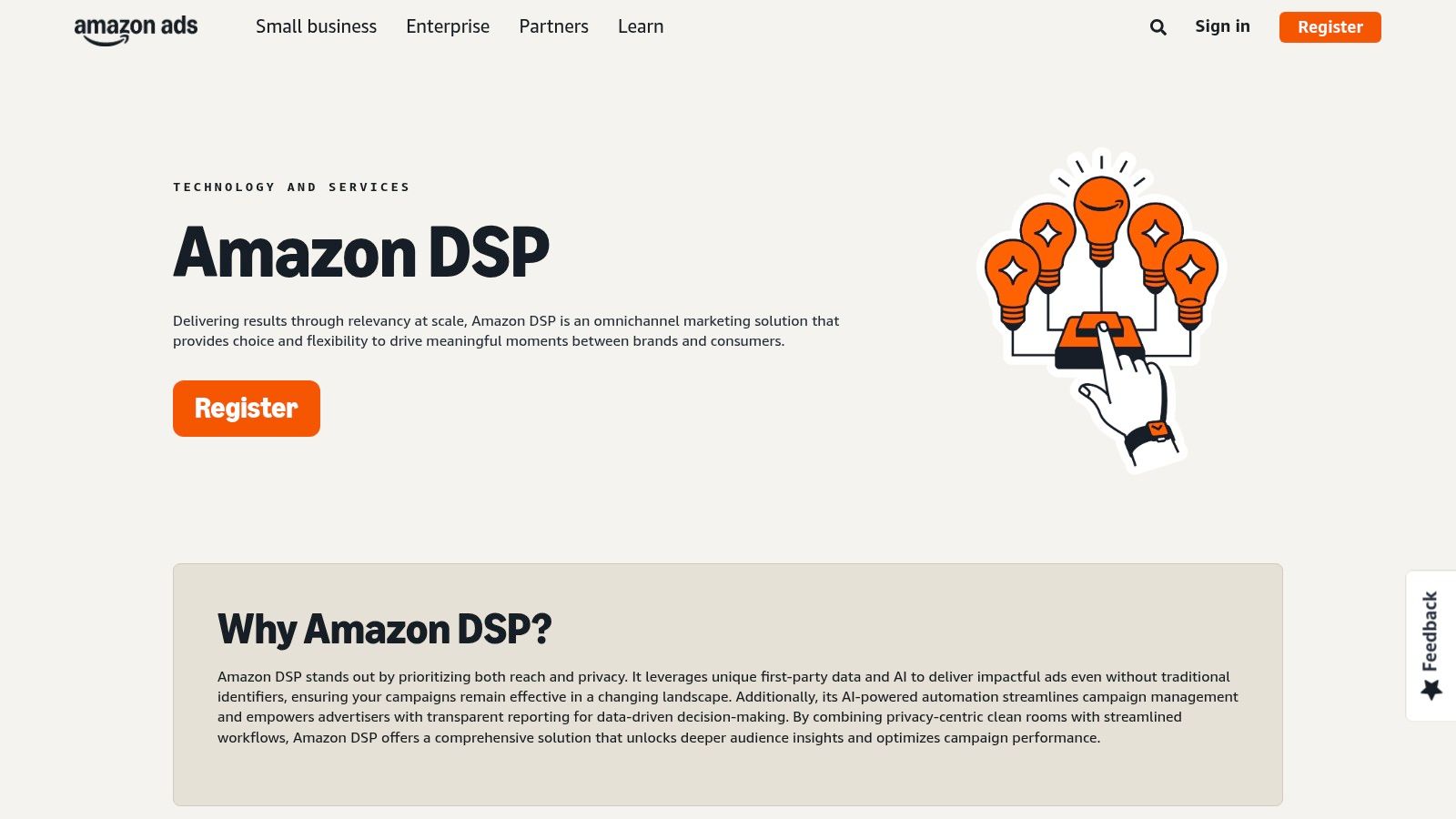
What You Can Do with Amazon DSP
- Self-Service & Managed Options
Launch and optimise campaigns yourself or work with Amazon’s managed team for strategic guidance. - First-Party Audience Targeting
Use Amazon Insights segments like in-market shoppers, lifestyle cohorts or custom retargeting lists. - Cross-Channel Inventory Access
Buy display, video and audio ads on Amazon sites and premium third-party exchanges. - Retail-Centric Optimisation
Leverage real-time product sales data for dynamic creative and budget reallocation. - Granular Reporting
Access detailed dashboards covering viewability, conversions and ROAS across channels.
Feature Comparison Table
| Feature | Amazon DSP Value |
|---|---|
| Service Model | Self-service or managed-service to fit different team sizes |
| Audience Data | Amazon first-party segments enriched with purchase behaviour |
| Inventory Access | On-Amazon placements plus premium third-party exchanges |
| UI & Reporting | Trader UI with custom dashboards and frequent feature updates |
| Optimisation Tools | Dynamic e-commerce feeds, bid multipliers and lookalikes |
Amazon DSP’s retail-first approach unlocks shopper intent signals that outperform many other programmatic advertising companies.
Pros and Cons
Pros
- Access to Amazon’s unique shopper data for performance-led campaigns
- Frequent interface and workflow improvements in the UK market
- Flexible service models for self-serve and managed support
Cons
- Managed-service usually requires a minimum spend, not publicly specified
- Attribution outside the Amazon ecosystem can be less straightforward
- Interface complexity may require training for new users
Access Requirements & Pricing
To access Amazon DSP you need an Amazon Ads account. Self-service is open to all advertisers with a credit threshold. Managed-service clients must meet minimum spend commitments as defined by Amazon. Pricing is CPM-based and varies by inventory and audience segment. Support is available globally and locally in the UK.
Practical Tips for App Developers
- Integrate the Amazon Mobile Ads SDK into your Flutter app to feed in-app events directly back into DSP audiences.
- Create audience segments from app purchase and browse behaviour to retarget high-intent users.
- Use API-driven automation to adjust bids and budgets based on real-time sales performance across multiple apps.
Learn more: https://advertising.amazon.com/en-gb/solutions/products/amazon-dsp?utm_source=openai
4. Adform FLOW (Adform)
Adform FLOW is Adform’s independent, full-stack programmatic advertising platform combining a DSP, DMP, ad server and SSP in one workflow. Its strong European footprint and UK office support make it an attractive choice among programmatic advertising companies for privacy-first, ID-flexible omnichannel campaigns.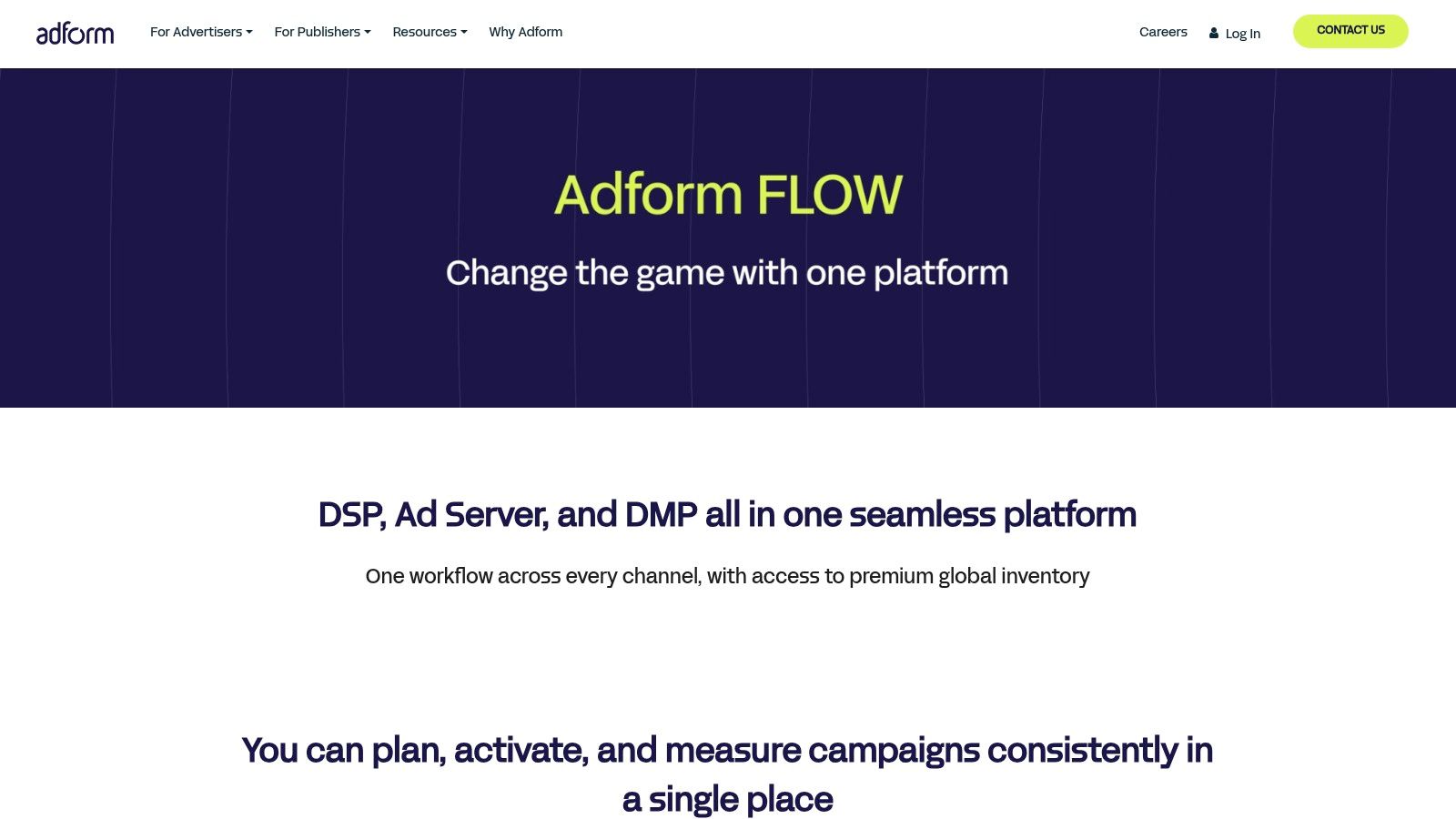
What You Can Do with Adform FLOW
- Unified Full-Stack Buying
Plan, activate and measure display, video, CTV, audio and DOOH in a single interface. - ID Fusion Identity Management
Combine post-cookie identifiers and first-party data for persistent, privacy-compliant audiences. - Modular SaaS and Open APIs
Add or remove components to match your tech stack, then automate workflows via RESTful APIs. - DOOH Visual Planning
Discover and reserve digital out-of-home inventory with interactive maps and calendar overlays.
Feature Comparison Table
| Feature | Adform FLOW Value |
|---|---|
| Full-Stack Integration | DSP, DMP, SSP and ad server in one platform |
| ID Fusion | Unified identity graph for cross-channel activation |
| DOOH Planning | Map-based discovery, booking and scheduling tools |
| Modular SaaS & Open APIs | Customisable modules, deep API access for automation |
Adform FLOW’s independent ad-tech stack gives you full control over data, identity and inventory without walled-garden lock-in.
Pros and Cons
Pros
- Strong European/UK support and data-protection compliance
- All-in-one workflow reduces platform fragmentation
- Flexible modular pricing and open-API ecosystem
Cons
- Onboarding and technical integration can be complex
- Fewer prebuilt creative templates than some walled-garden DSPs
- Pricing requires direct sales engagement
Access Requirements & Pricing
Adform FLOW is available globally but major support hubs are in Europe and the UK. You need to contact Adform for a demo and customised pricing – there is no public rate card. Deployment follows a modular SaaS model, so fees vary by required components, data volumes and API usage tiers.
Practical Tips for App Developers
- Integrate first-party app events into Adform’s DMP to power lookalike audiences and retargeting.
- Use the ID Fusion graph to stitch Flutter app user IDs with email or hashed mobile identifiers for cross-device reach.
- Automate dynamic creative insertion via Adform’s APIs to rotate Flutter-optimised banners based on real-time user signals.
Learn more about Adform FLOW at https://site.adform.com/products/integrated-advertising-platform/?utm_source=openai
5. Yahoo DSP (Yahoo Advertising)
Yahoo DSP (Yahoo Advertising) is an omnichannel Demand-Side Platform that combines open-web display, video, CTV, audio and DOOH with robust identity and cookieless tooling. Its ConnectID solution and ongoing platform modernisation make it ideal for UK advertisers preparing for a post-cookie world. With premium partnerships spanning Roku, DAX and Ozone via Backstage, Yahoo DSP delivers unique supply access and practical workflows for data-driven campaigns.
What You Can Do with Yahoo DSP
- Cookieless Testing & Identity Resolution
Experiment with ConnectID and integrated cookieless segments to maintain targeting accuracy. - Premium CTV & DOOH Buying
Access curated inventory from Roku, DAX and Ozone for brand and performance video campaigns. - Omnichannel Reach
Unify display, video and audio buys in one interface to streamline optimisation and reporting. - Learning & Support
Leverage Yahoo Academy Learning Centre resources and dedicated CSM guidance for onboarding.
Feature Comparison Table
| Feature | Yahoo DSP Value |
|---|---|
| ConnectID & Cookieless Tools | Identity graph plus cookieless segments for privacy-safe targeting |
| Premium Supply Partnerships | Direct integrations with Roku, DAX, Ozone for UK-relevant inventory |
| Training & Support | Yahoo Academy tutorials, live webinars and CSM onboarding |
| Omnichannel Integration | Single platform for display, video, audio and DOOH campaigns |
Yahoo DSP’s ConnectID bridges third-party cookie loss, letting you continue precise audience targeting.
Pros and Cons
Pros
- Strong UK publisher access via Ozone and DAX collaborations
- Practical cookieless and identity-first workflows built into the DSP
- Unified interface for cross-channel campaign management
Cons
- Premium formats may skew towards Yahoo ecosystems
- Feature names and navigation paths change occasionally
- Requires Customer Success Manager for full setup and custom integrations
Access Requirements & Pricing
Access to Yahoo DSP requires a Yahoo Advertising account and minimum ad spend thresholds. Pricing is based on CPM rates and channel mix, with global support teams handling UK implementations. You must contact Yahoo sales for a customised proposal and CSM assignment. Availability covers Europe, North America and APAC markets.
Practical Tips for App Developers
- Integrate Yahoo SDK with Flutter
Sync in-app events and user signals directly to Yahoo ConnectID for improved retargeting. - Leverage Cookieless Segments
Test cookieless targeting in parallel with traditional cookies to prepare for deprecation. - Automate Budget Reallocation
Use Yahoo DSP API to adjust spend between CTV and display based on real-time performance.
Learn more: https://www.yahooinc.com/
6. StackAdapt
StackAdapt is a self-serve, multi-channel Demand-Side Platform known for its usability, rapid campaign activation and support for native, CTV, video, audio, DOOH and in-game advertising. Its intuitive interface and AI-driven optimisation make it ideal for mid-market brands and agencies in the UK seeking agile testing and fast scale.
Learn more about mobile app monetisation strategies with StackAdapt on app-developer.uk: Learn more about StackAdapt strategies on app-developer.uk
What You Can Do with StackAdapt
- Multi-Channel Buying
Launch campaigns across native, CTV, video, audio, DOOH and in-game from one platform. - AI-Driven Optimisation
Leverage machine-learning bidding that adapts in real time to performance goals. - Contextual & Cookieless Tactics
Reach audiences with privacy-safe, semantic targeting when cookies are restricted. - Quick Test & Scale
User-friendly UI built for fast creative uploads, A/B tests and budget shifts. - UK Broadcaster Integrations
Access Channel 4 BVOD, ITV and BBC inventory for regionally relevant video campaigns.
Feature Comparison Table
| Feature | StackAdapt Value |
|---|---|
| Channel Support | Native, CTV, video, audio, DOOH, in-game |
| AI Optimisation | Real-time bidding adjustments to hit CPA and ROAS targets |
| Contextual Targeting | Taxonomy-driven semantic segments for privacy compliance |
| UK Broadcaster Integrations | Direct access to Channel 4 BVOD, ITV Hub, BBC iPlayer |
| Self-Service UI | Drag-and-drop workflow, templates and visual reporting |
“StackAdapt’s agile onboarding and cookieless tactics let mid-market teams test boldly without sacrificing scale.”
Pros and Cons
Pros
- Fast campaign activation and trial workflows
- Intuitive dashboard suited to non-technical users
- Advanced contextual targeting for privacy regulations
Cons
- Some advanced features require specialist training
- Pricing is customised; you need a demo to see costs
Access Requirements & Pricing
- Sign-up: Fully self-serve registration with credit-card verification
- Pricing: Customised CPM and managed-service options – contact sales for a tailored quote
- Availability: Global platform with dedicated UK support and training
- Onboarding: Guided tutorials and UK-based account managers for quick ramp-up
Practical Tips for App Developers
As leading Flutter app developers in the UK, we recommend:
- Implement Conversion Pixels
Add StackAdapt’s event pixels to your Flutter app to track installs and in-app revenue. - Use Contextual Segments
Deploy semantic environments to reach high-value users when cookie data is unavailable. - Automate Scaling via API
Integrate StackAdapt’s API for dynamic budget reallocation across multiple app audience cohorts.
7. MiQ (Managed Programmatic Partner)
MiQ is a London-headquartered managed-service specialist in the programmatic advertising companies landscape. It delivers strategy, data science, trading and creative solutions across multiple DSPs including The Trade Desk, DV360 and Amazon. As leading Flutter app developers in the UK, we value MiQ’s platform-agnostic approach because it lets us focus on campaign outcomes without building an in-house trading team.
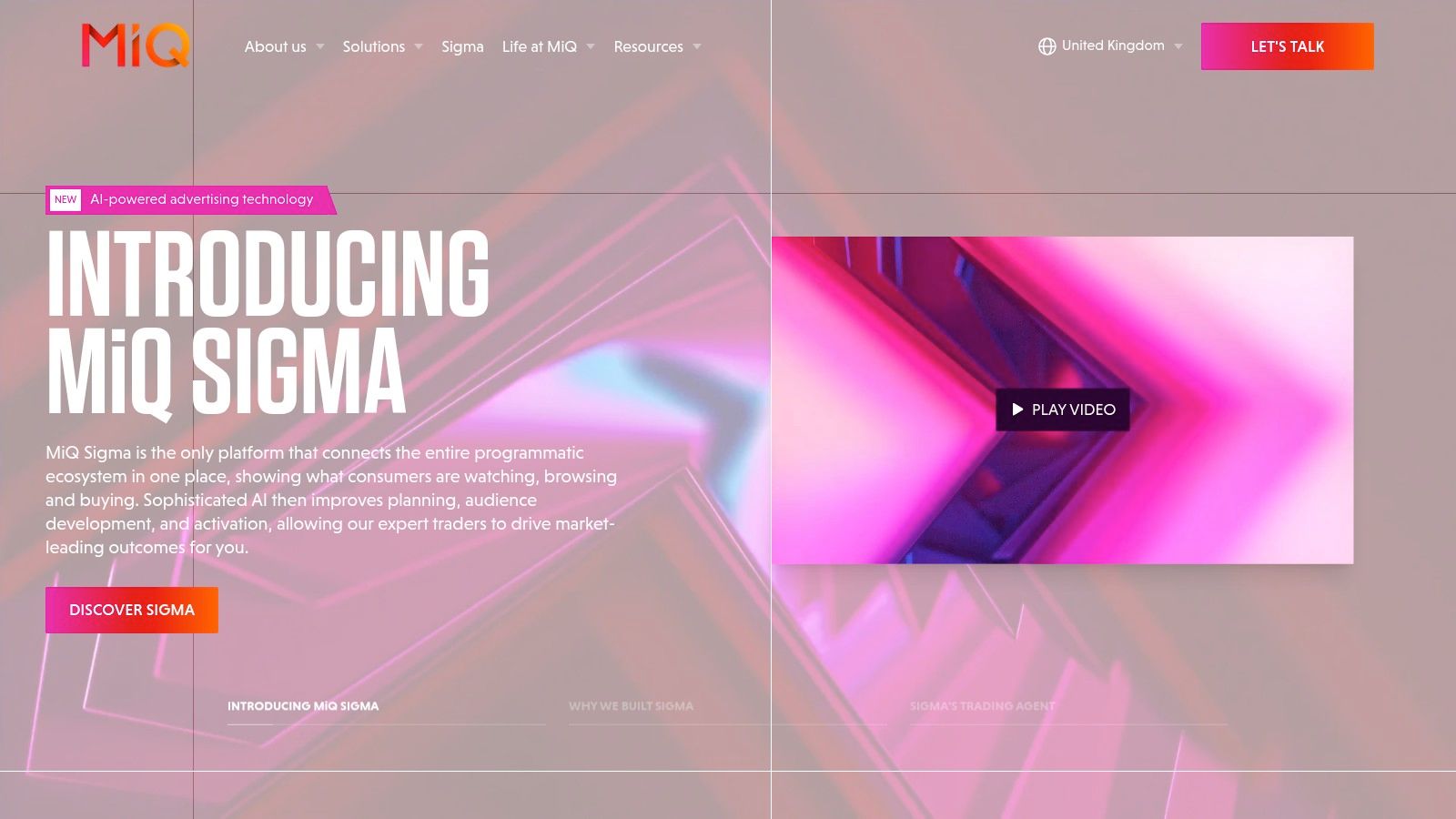
What You Can Do with MiQ
- Cross-DSP Managed Buying
Centralise media planning and execution across TTD, DV360 and Amazon in one workflow. - Advanced TV/CTV Campaigns
Leverage proprietary TV Intelligence to extend app-growth strategies onto connected screens. - Data Science & Optimisation
Apply MiQ’s Sigma platform for real-time bidding insights and performance forecasting. - Creative Studio
Develop bespoke ad formats with sustainability measurement to align with brand values.
Feature Comparison Table
| Feature | MiQ Value |
|---|---|
| Managed Service across DSPs | Access full inventory on TTD, DV360 and Amazon |
| Proprietary Intelligence | TV Intelligence and Sigma platform for deep campaign insights |
| Creative Studio | Bespoke creative solutions with carbon-neutral optimisation |
| Local UK Expertise | Sector-specific strategies supported by a UK-based team |
MiQ’s platform-agnostic model means you partner with experts rather than wrestling with multiple UIs.
Pros and Cons
Pros
- Local UK presence reduces in-house resourcing burden
- Platform-agnostic execution across top DSPs
- Dedicated teams for data science, strategy and creative
Cons
- No self-serve UI; relies on MiQ teams for execution
- Bespoke pricing and scope require direct engagement
Access Requirements & Pricing
To access MiQ’s managed service, you must engage a UK account manager for onboarding. Pricing is customised based on media spend, channels and service scope. Global availability with dedicated local support ensures compliance and optimisation in UK markets. Contact sales for a tailored proposal.
Practical Tips for App Developers
- Feed First-Party Data to Sigma
Sync your Flutter app’s user events for granular audience segments and look-alike modelling. - Combine TV & App Signals
Use TV Intelligence insights to boost app install campaigns by aligning connected TV exposure. - Optimise for Sustainability
Ask the creative studio to build carbon-neutral ad formats that reflect your app’s eco-friendly brand.
Learn more at https://miqdigital.org/uk?utm_source=openai
Top 7 Programmatic DSPs Comparison
| Platform | 🔄 Implementation complexity | ⚡ Resource requirements | ⭐ Expected outcomes | 💡 Ideal use cases | 📊 Key advantages |
|---|---|---|---|---|---|
| Google Display & Video 360 (DV360) | High — enterprise onboarding, multi-team workflows | Significant — dedicated trading, analytics & budget integration | ⭐⭐⭐⭐ — comprehensive scale, advanced measurement & automation | Large brands/agencies managing complex, cross-channel portfolios | Deep Google/YouTube integration; robust automation & reporting |
| The Trade Desk | Moderate–High — requires trading expertise and setup | High — experienced traders, data partners and integrations | ⭐⭐⭐⭐ — broad open-web reach and strong identity solutions | Agencies and data-driven buyers needing independent reach | Independent from walled gardens; rich measurement partner ecosystem |
| Amazon DSP (Amazon Ads) | Medium — self-serve or managed options; onboarding varies | Medium–High — first-party retail data use; managed min spend common | ⭐⭐⭐⭐ — strong retail/CPG performance when leveraging shopper data | Retail and CPG advertisers focused on shopper-driven campaigns | Access to Amazon audiences; on- and off-Amazon inventory |
| Adform FLOW (Adform) | Medium–High — platform onboarding, API integrations | Medium — requires data/identity setup and developer support | ⭐⭐⭐ — effective for privacy-first omnichannel consolidation | European/UK advertisers seeking independent full-stack stack | Full-stack DSP/DMP/ad server; ID Fusion and European support |
| Yahoo DSP (Yahoo Advertising) | Medium — platform modernization; CSM support often needed | Medium — training resources and premium supply integrations | ⭐⭐⭐ — strong UK publisher reach and cookieless tooling | UK-focused campaigns needing premium publisher access | ConnectID cookieless tools; integrations with Ozone/DAX/Roku |
| StackAdapt | Low–Medium — user-friendly, fast activation for self-serve | Low–Medium — quick tests; mid-market friendly resourcing | ⭐⭐⭐ — fast testing and scalable performance for mid-market | Mid-market brands/agencies wanting rapid tests and scale | Easy UI, quick activation, AI optimization and contextual tactics |
| MiQ (Managed Programmatic Partner) | Low for client; high operational complexity for provider | Low internal — managed service reduces in-house trading needs | ⭐⭐⭐⭐ — outcome-focused results via data science and trading teams | Advertisers preferring managed outcomes without building in-house team | Platform-agnostic managed buying, local UK presence, proprietary intelligence |
Taking Action: How To Choose Your Ideal Programmatic Partner
Now that you have a clear view of Google Display & Video 360, The Trade Desk, Amazon DSP, Adform FLOW, Yahoo DSP, StackAdapt and MiQ, it is time to decide which programmatic advertising company best suits your Flutter app’s growth objectives. This section brings together key insights, practical tips and an action plan to guide your evaluation process.
Key Takeaways
- Inventory Access and Reach
- DV360: industry-leading global exchanges
- The Trade Desk: flexible multi-channel buys
- Amazon DSP: strong first-party data for e-commerce
- Targeting Capabilities
- Adform FLOW: real-time cookie and cohort insights
- Yahoo DSP: contextual segments across Oath properties
- StackAdapt: native and in-feed formats
- Pricing Models and Budget Fit
- Auction-based vs fixed-rate buys
- Minimum spend requirements for enterprise vs SMB
- Custom negotiations for high-volume e-commerce campaigns
- Ideal Use-Cases
- Mobile/app growth: MiQ’s managed partnerships
- Brand campaigns: DV360’s creative optimisation
- Retail/e-commerce: Amazon DSP’s purchase intent signals
“Choosing the right DSP is not about picking the biggest name but matching features to your specific targeting, budget and integration needs.”
Matching Platform to Your Goals
- Define Your Core Objective
- App installs vs brand lift vs purchase conversions
- Direct response vs awareness
- Map Features to Requirements
- Look for granular audience segmentation
- Check for real-time reporting dashboards
- Align Pricing to ROI
- Estimate CPM or CPC against lifetime value
- Factor in minimum spend thresholds
- Plan for Scale
- Ensure platform supports cross-device attribution
- Evaluate inventory diversity for global roll-outs
Implementation Factors to Consider
- Flutter Integration
- Use SDKs or open APIs that support Dart bindings
- Leverage real-time bidding endpoints in your Flutter codebase
- Data Privacy and Compliance
- Check GDPR, CCPA and UK Data Protection Act adherence
- Audit cookie-less targeting options for future-proofing
- Creative Asset Management
- Automate dynamic creative optimisation
- Integrate your design system with each DSP’s template library
- Reporting and Analytics
- Build custom dashboards via BI tools
- Validate pixel implementation within your Flutter UI
Next Steps Checklist
- Trial Key Features
- Sign up for sandbox accounts on 2–3 platforms
- Run pilot campaigns with modest budgets
- Compare Dashboard Usability
- Evaluate ease of setting up audience segments
- Test data export and API access
- Consult Your Team
- Involve developers, marketers and finance teams
- Align on KPI definitions and success metrics
- Draft Your Integration Roadmap
- Schedule sprints for SDK or API roll-out in Flutter
- Plan QA and post-launch performance checks
Final Thought
Selecting a programmatic advertising company is a strategic decision that shapes your app’s user acquisition and brand growth. By following this structured approach – from goal mapping and feature trials to Flutter-centric implementation – you ensure your campaigns deliver measurable impact.
Ready to bring your programmatic campaigns to life in your Flutter app? Partner with App Developer UK for bespoke integration, expert optimisation and seamless rollout. Visit App Developer UK to get started today.